
Last updated: May 2026
E-signature services are digital platforms that allow you to sign and send documents electronically without printing, scanning, or physical delivery. They create legally binding signatures using email authentication, audit trails, and timestamp records that comply with federal ESIGN Act requirements. This article explains how e-signature services work, their legal validity, the difference between e-signatures and digital signatures, and how to choose the right platform for contracts, real estate documents, and notarized transactions.
What Are E-Signature Services?
E-signature services are platforms that let you sign documents digitally — and let others sign documents you send them — without any physical paperwork. They capture your intent to sign, record it securely, and create a legally valid record of the transaction.
The term covers everything from a simple typed name at the bottom of a PDF to a more sophisticated cryptographic signature tied to your verified identity. Most consumer-facing e-signature services fall somewhere in the middle: they use a combination of email authentication, IP address logging, and timestamp records to prove who signed what and when.
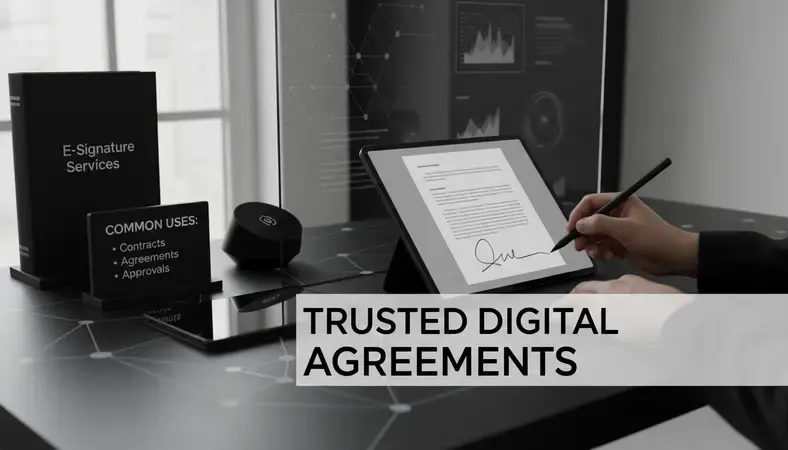
Common uses include:
- Business contracts — NDAs, vendor agreements, employment offers
- Real estate documents — lease agreements, purchase offers, disclosures
- Financial forms — loan applications, account openings, insurance documents
- Personal documents — permission slips, waivers, authorization forms
The Electronic Signatures in Global and National Commerce Act (ESIGN), passed in 2000, established the federal legal foundation for e-signature services in the United States. Every state has corresponding legislation that reinforces this.
How Do E-Signature Services Work?
Here's what actually happens when you use an e-signature service:
- Document upload: The sender uploads a PDF or Word document (tools like Microsoft Word and Adobe Acrobat both integrate directly with major e-signature platforms).
- Recipient designation: The sender adds the signer's email address and places signature fields in the document.
- Notification sent: The signer receives an email with a secure link.
- Identity confirmation: The signer clicks the link, which opens the document in the platform. Some services ask for a one-time passcode or knowledge-based authentication questions.
- Signature applied: The signer draws, types, or uploads their signature and clicks to apply it.
- Audit trail created: The platform records the signer's email, IP address, timestamp, and device information. This becomes the legal record.
- Completed document delivered: Both parties receive a finalized, tamper-evident copy.
The whole process typically takes less than five minutes. Platforms like Adobe Sign (formerly Adobe EchoSign — you may have seen the Adobe Sign login page if you've used Adobe Acrobat for business) are among the most widely recognized, but dozens of services offer comparable functionality.
E-Signature vs Digital Signature: What's the Difference?
These two terms get used interchangeably, but they're not the same thing.
A Side-by-Side Comparison
| Feature | E-Signature | Digital Signature |
|---|---|---|
| Definition | Any electronic method of signing | Cryptographic signature using PKI |
| Security level | Basic to moderate | High |
| Identity verification | Email + audit trail | Certificate authority verification |
| Legal validity | Valid under ESIGN/UETA | Valid + enhanced tamper-proofing |
| Common use | Contracts, forms, agreements | Regulated industries, high-value transactions |
| Examples | DocuSign, Adobe Sign | Adobe Acrobat advanced signatures, qualified e-signatures |
An e-signature is the broader category. A digital signature is a specific, more secure type of e-signature that uses Public Key Infrastructure (PKI) — a cryptographic method that mathematically links the signature to the signer's identity and the document's content.
If someone alters a digitally signed document even slightly, the signature breaks. This makes digital signatures the preferred choice for regulated industries, high-value contracts, and government filings. For most everyday business use, a standard e-signature service is sufficient.
Are E-Signatures Legally Binding?
Yes, in the United States, e-signatures are legally binding on virtually all document types. The ESIGN Act of 2000 and the Uniform Electronic Transactions Act (UETA), adopted by 49 states, established that electronic signatures carry the same legal weight as handwritten ones.
There are a few exceptions where e-signatures are not accepted:
- Wills and codicils (in most states)
- Adoption and family law documents
- Court orders and official court filings
- Certain real estate deeds (varies by state)
- Documents requiring notarization (a separate process — more on that below)
For the vast majority of contracts, agreements, and business documents, e-signature services produce fully enforceable signatures. The audit trail they generate — timestamps, IP addresses, email records — often makes them easier to enforce than wet ink signatures, which leave no such record.
Key Insight: The legal question isn't whether an e-signature is valid. It's whether the specific document type is eligible for electronic execution in your state. When in doubt, check state-specific rules or consult an attorney.
Benefits of Using E-Signature Services
The practical advantages are significant enough that most businesses — and a growing number of individuals — have moved away from paper signing entirely.
- Speed: Documents that used to take days to route and return now close in minutes.
- No printing or scanning: The entire workflow stays digital, which matters when you're working remotely or across time zones.
- Audit trails: Every action is logged. You know exactly who signed, when, and from where.
- Reduced errors: Signature fields can be set as required, so documents don't come back incomplete.
- Cost savings: The Association for Information and Image Management estimates that paper-based document processes cost organizations between $20–$40 per document when you factor in printing, storage, and handling. E-signature services eliminate most of that.
- Integration: Most e-signature services integrate with tools you already use — Microsoft Word, Adobe Acrobat, Google Drive, Salesforce, and others.
For businesses processing high volumes of agreements — employment contracts, vendor onboarding, client intake forms — the time savings alone justify the cost of any major e-signature platform. In our work with clients transitioning to e signature services, we've consistently seen the biggest efficiency gains come not from the signing itself, but from eliminating the document routing delays that used to add 48–72 hours to every transaction.
E-Signature Services for Remote Notarization
Standard e-signature services handle most documents, but some documents legally require notarization — a witness who verifies your identity and watches you sign. This is where e-signature services and remote online notarization (RON) intersect.
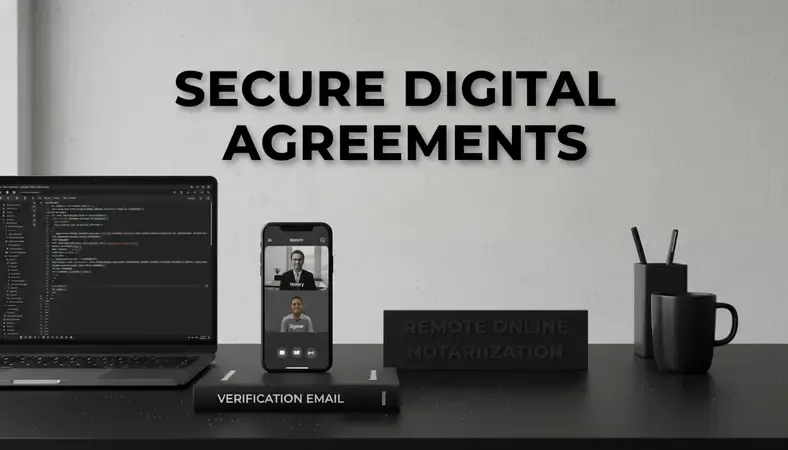
Remote online notarization combines e-signature technology with live video verification and a commissioned notary. The signer and notary meet via secure video call, the signer's identity is verified through credential analysis and knowledge-based authentication, and the notary applies a digital notarial seal to the document.
This matters for documents like:
- Real estate deeds and mortgage documents
- Powers of attorney
- Trusts and wills (in states that permit electronic notarization)
- Affidavits and sworn statements
- Vehicle title transfers
Our Dirty Little E-Closing Secret covers how this plays out specifically in real estate transactions — where e-signature services and RON often work together in the same closing workflow.
Document Notarization After Car Accidents is another scenario where remote notarization paired with e-signature services has become practical — particularly when an injured party can't travel to a notary's office.
Pennsylvania Opens Doors to E-notarization is a useful example of how state law shapes what's possible: Pennsylvania's expanded RON framework now allows residents to complete notarized transactions entirely online, using the same e-signature infrastructure that underpins standard digital signing.
BlueNotary provides remote online notarization that integrates directly with e-signature workflows. Signers can complete identity verification, sign electronically, and receive a notarized document — all without leaving their browser.
How to Choose an E-Signature Service
The right platform depends on what you're signing, how often, and whether notarization is ever required.
Here's what to evaluate:
- Document types: Does the platform support the file formats you use (PDF, DOCX, etc.)?
- Workflow volume: Solo users have different needs than teams processing hundreds of agreements monthly.
- Integrations: Does it connect with Microsoft Word, Adobe Acrobat, your CRM, or other tools already in your stack?
- Compliance requirements: Regulated industries (healthcare, finance, legal) may need specific compliance certifications like HIPAA or SOC 2.
- Notarization capability: If any of your documents require notarization, look for a platform — or a paired service like BlueNotary — that handles RON alongside standard e-signatures.
- Pricing: Most e-signature services charge per envelope (per transaction) or via monthly subscription tiers. Adobe Sign, DocuSign, HelloSign, and PandaDoc all offer tiered pricing with free trials.
- Audit trail quality: The audit trail is your legal protection. Confirm the platform logs IP addresses, timestamps, and email authentication for every signature event.
For most individuals and small businesses, any of the major platforms will work for standard documents. Our team has evaluated dozens of e signature services over the past three years, and the pattern is clear: the platforms that survive long-term client use are the ones with reliable mobile experiences and straightforward audit trail exports — features that matter far more in practice than the marketing materials suggest. Where things get more specific is when you need notarization — that's when you need to ensure your e-signature service either includes RON or connects easily to one.
Common Questions About E-Signature Services
Can I use a free e-signature service for a legally binding contract?
Yes. Free tiers from services like DocuSign or HelloSign produce legally binding signatures on most contract types. The ESIGN Act doesn't require a paid platform — it requires evidence of intent to sign and a reliable record of the transaction. Free plans typically limit the number of documents you can send per month and may have fewer authentication options, but the signatures themselves are valid.
Do e-signature services work on mobile devices?
Every major e-signature service has a mobile-optimized interface or a dedicated app. Signers can receive, review, and sign documents from a smartphone without any special software. The process is the same — open the link, apply your signature, submit.
What happens if someone disputes an e-signature?
The audit trail is your defense. E-signature services record the signer's IP address, email address, timestamp, and device fingerprint at the moment of signing. Some platforms also capture a photo of the signer or use two-factor authentication. This evidence is admissible in court and typically makes e-signatures easier to defend than wet ink signatures.
Are e-signature services secure?
Reputable e-signature services use 256-bit AES encryption — the same standard used by financial institutions — to protect documents in transit and at rest. Documents are also tamper-evident: any modification after signing breaks the document's integrity hash and flags the change. Look for SOC 2 Type II certification when evaluating a platform's security posture.
Can e-signature services replace a notary?
For most documents, yes — notarization isn't required. But for documents that legally require a notary (deeds, powers of attorney, certain affidavits), e-signatures alone aren't sufficient. You need remote online notarization, which adds identity verification and a notarial seal on top of the electronic signature.
The Bottom Line
E-signature services handle the vast majority of signing needs — fast, legally valid, and far simpler than paper. When notarization is required, remote online notarization fills the gap. Complete your next notarized document through BlueNotary — identity verification, e-signature, and a commissioned notary, all in one session.
Written by the BlueNotary team — Remote Online Notary Services practitioners. Ready to get started? Visit BlueNotary to learn more.