






Sometimes searched as “notary charges ups,” this query is really asking about the cost of notary services at UPS Store locations — and what your alternatives are. A notary public is a state-commissioned official who witnesses document signings, verifies identities, and applies an official seal to make documents legally valid.
UPS Stores offer notary services at many locations across the U.S., but the fees, availability, and process vary more than most people expect. This guide covers exactly what UPS notary charges look like, what the service includes, and when a different option might save you time and money.
How Much Does Notary Service Cost at UPS?
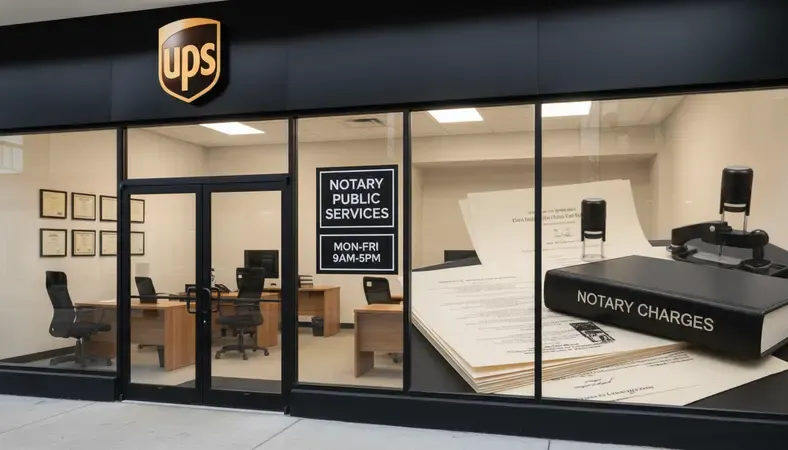
UPS Store notary charges typically run between $2 and $15 per signature or notarized document, depending on the state and individual store location. Each UPS Store is independently owned and operated, which means there’s no single fixed price across all locations — the notary charges at UPS can differ from one store to the next, even within the same city.
Most states cap notary fees by law. For example, California limits notary fees to $15 per signature, while Texas caps them at $6 per acknowledgment and $6 per jurat. Some states set the limit as low as $2 per signature. UPS Store owners must stay within their state’s maximum, but they’re free to charge less.
Here’s the practical reality: notary charges at UPS are relatively affordable for simple, single-document needs. If you’re getting one document notarized with one or two signatures, expect to pay under $20 total. Where costs add up is when you have multiple documents or multiple signers — each signature typically carries a separate fee.
Call ahead before visiting. Not every UPS Store has a notary on staff, and those that do may only have notary availability on certain days or hours. Showing up without confirming is one of the most common frustrations people run into with UPS notary services.
UPS Notary Charges and Fees Breakdown
Notary fee comparison by service type
| Service Type | Typical UPS Fee | State Cap Range | Notes |
|---|---|---|---|
| Single signature notarization | $2–$15 | $2–$15 | Per signature, not per document |
| Multiple signatures, one document | $4–$30 | Varies | Each signature billed separately |
| Multiple documents, one visit | $10–$45 | Varies | Volume discounts rare |
| Loan signing packages | Not typically offered | N/A | UPS notaries rarely handle closings |
| Mobile notary (non-UPS) | $50–$200 | No cap in most states | Travel fee added |
| Online notarization (RON) | $25–$50 per session | No cap | Flat fee, all signatures included |
The table above shows why notary charges at UPS are competitive for simple jobs but may not be the right fit for complex document packages. A loan signing or estate document set with ten signatures could cost more at UPS than through an online notarization session with a flat fee.
One detail many people miss: the fee covers the notarial act itself, not any document preparation. If your document isn’t already properly formatted with a notarial certificate section, the UPS notary may not be able to complete the job.
Key Insight: State law governs maximum notary fees, but individual UPS Store owners set their own prices within that ceiling. Always call the specific location and ask for their current notary charges before making the trip.
What Services Does UPS Notary Offer?
UPS notary services cover the most common notarization types that individuals need day-to-day. Here’s what you can typically get done at a UPS Store:
- Acknowledgments: The most common type. The notary confirms you signed the document willingly and that you are who you say you are. Used for deeds, powers of attorney, and contracts.
- Jurats: The notary watches you sign and administers an oath that the document’s contents are true. Common for affidavits and sworn statements.
- Copy certifications: In some states, notaries can certify that a photocopy is a true copy of an original document.
What UPS notary services generally do not cover:
- Loan signings or mortgage closing packages (these require a specialized signing agent)
- Document drafting or legal advice
- Notarizations requiring witnesses (some states require a witness in addition to the notary — UPS staff typically can’t serve as witnesses)
- I-9 employment eligibility verification (this is a separate process, not a notarization)
The scope of notary services at any UPS location is limited to witnessing and certifying — the notary cannot tell you whether your document is legally valid, correctly worded, or appropriate for your situation. That’s outside their role as a notary public.
How to Find UPS Notary Services Near You
Finding a notary public close to me is the most common search people do after deciding they need notarization. For UPS specifically, the process is straightforward but requires a few steps.
- Use the UPS Store locator: Go to theupsstore.com and use the store finder. Filter by “Notary Services” to see locations that list this service.
- Call the specific location: The online listing doesn’t always reflect current availability. Call and confirm a notary will be present when you plan to visit.
- Ask about hours and wait times: Many UPS Store notaries are also counter staff with other duties. Peak times (lunch hours, Saturdays) can mean waits.
- Confirm the fee upfront: Ask what the notary charges at that UPS location for your specific document type. Fees vary by store and by state.
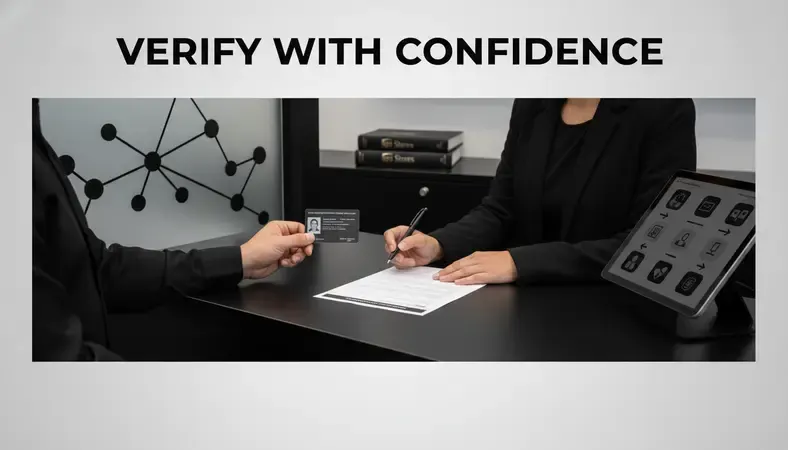
- Ask about ID requirements: You’ll need a valid, government-issued photo ID — driver’s license, passport, or state ID. Some documents may require additional identification.
If the nearest UPS with notary services is inconvenient, the UPS Store locator isn’t your only option. Banks, credit unions, libraries, and courthouses often offer free or low-cost notarization for account holders or the public.
How to Prepare for Your UPS Notary Appointment
Showing up unprepared is the single biggest reason people leave a UPS Store without getting their document notarized. Here’s what to bring and do before you go.
What to bring:
- Your unsigned document — do not sign it before you arrive. The notary must witness the signature. A pre-signed document cannot be notarized.
- Valid government-issued photo ID (driver’s license, passport, or state-issued ID card)
- Any additional signers who need to be present — all parties must appear in person at UPS
Before you go:
- Read your document and make sure the notarial certificate section is already included. Many standard legal forms have this built in. If yours doesn’t, the UPS notary may not be able to add one.
- Check whether your document requires witnesses in addition to a notary. If so, bring the required number of witnesses with you — UPS staff typically cannot serve as witnesses.
- Confirm the notary will be available at the time you plan to arrive. Walk-ins are common, but so are situations where the notary is unavailable.
One scenario worth knowing: if you need document notarization after car accidents — such as a notarized statement for an insurance claim or legal filing — time is often a factor. Having your documents properly prepared before visiting a UPS location will prevent delays when timing matters.
Alternative Notary Options and Cost Comparison
UPS notary charges are reasonable, but they’re not always the most convenient or cost-effective option depending on your situation.
Notary service comparison by method
| Method | Typical Cost | Availability | Best For |
|---|---|---|---|
| UPS Store notary | $2–$15/signature | Business hours, limited locations | Simple single-document needs |
| Bank notary | Free–$10 | Account holders only, limited hours | Account holders with simple docs |
| Library notary | Free–$5 | Limited hours, varies by branch | Budget-conscious, simple docs |
| Mobile notary | $50–$200 | Flexible, comes to you | Mobility issues, urgent needs |
| Online notary (RON) | $25–$50/session | 24/7, any device | Multiple docs, remote signers |
Mobile notary services send a commissioned notary to your location — home, office, hospital, wherever you need them. The convenience comes at a cost: travel fees and higher base rates. For people with mobility limitations or urgent situations outside business hours, the premium is often worth it.
Remote Online Notarization (RON) is the fastest-growing alternative to in-person notary services. Instead of meeting a notary in person, you connect with one via live video. You verify your identity digitally, sign electronically, and the notary applies a digital seal — all within a single session that typically takes under 30 minutes.
RON is now legal in over 40 U.S. states, with more states adopting it each year. The notary charges for online sessions are usually flat-fee, meaning you pay once regardless of how many signatures are needed in that session — a significant advantage when you have a complex document package.
BlueNotary offers remote online notarization for individuals and businesses, with sessions available on demand. The platform handles identity verification, the live video session, and the legally compliant digital seal in one streamlined process.

Do You Need a Notary and When?
Not every document requires notarization. Knowing when you actually need it saves you a trip and a fee.
Documents that commonly require notarization:
- Real estate deeds and property transfers
- Powers of attorney (financial and medical)
- Wills and trust documents (requirements vary by state)
- Affidavits and sworn statements
- Loan documents and mortgage paperwork
- Adoption papers and certain immigration forms
- Vehicle title transfers in some states
Documents that do not require notarization:
- Most standard contracts between private parties
- General business agreements (unless a party requires it)
- Standard employment documents
- Most personal letters or correspondence
The requirement usually comes from whoever is receiving the document — a court, a government agency, a lender, or a title company. If you’re unsure whether your document needs to be notarized, check the instructions that came with it or contact the receiving party directly.
A note on terminology: you may sometimes see the phrase “notary of republic” used — this is simply a common misspelling or alternate phrasing for “notary public.” Both refer to the same state-commissioned official authorized to perform notarizations.
Common Questions About Notary Charges at UPS
Does every UPS Store offer notary services?
No. Notary services are available at many UPS Store locations, but not all. Each store is independently owned, and not every owner employs a commissioned notary. Use the UPS Store locator online and filter by notary services, then call ahead to confirm availability before visiting.
Can I get multiple documents notarized in one visit?
Yes, but each signature typically carries a separate fee. Notary charges at UPS are per notarial act, not per visit. If you have five documents each requiring one signature, expect to pay five separate fees. For large document packages, online notarization with a flat session fee is often more cost-effective.
What happens if I already signed my document before going to UPS?
The notary cannot notarize a pre-signed document. The entire purpose of notarization is for the notary to witness the signing and verify your identity at that moment. Bring your document unsigned and sign it in front of the notary during the session.
Are UPS notary charges the same everywhere?
No. Notary charges at UPS vary by state and by individual store location. State law sets the maximum fee, but each UPS Store owner can charge less. Prices range from $2 to $15 per signature depending on location. Always call your specific store to confirm their current fee.
Is online notarization legally valid for the same documents I’d notarize at UPS?
For most documents, yes. Remote Online Notarization (RON) produces a notarized document that carries the same legal weight as a traditionally notarized one in states where RON is authorized. The Uniform Law Commission has developed model legislation that over 40 states have used as a basis for their RON laws. Check your specific state’s requirements for the document type you need notarized.
What ID do I need for UPS notary services?
A valid, unexpired government-issued photo ID is required. Acceptable forms include a driver’s license, state ID card, or passport. Some notaries may accept military IDs or permanent resident cards. The ID must be current — expired IDs are not accepted.
The Bottom Line
Notary charges at UPS are straightforward for simple documents: expect $2–$15 per signature, call ahead to confirm availability, and bring your unsigned document with valid ID. For multiple signatures, complex packages, or situations where driving to a store isn’t practical, remote online notarization is faster and often cheaper.
Notarize your documents through BlueNotary — connect with a commissioned notary via live video, complete identity verification, and get a legally valid notarized document without leaving your desk. Ready to get started? Visit BlueNotary to learn more.